Server-side OAuth
Client Credentials token handling, in-memory caching and refresh. Secrets never enter browser JavaScript.
A developer workbench for authorized SheerID REST API integrations. Coordinate OAuth, verification workflows, organization lookup, document uploads and status tracking from one local dashboard.
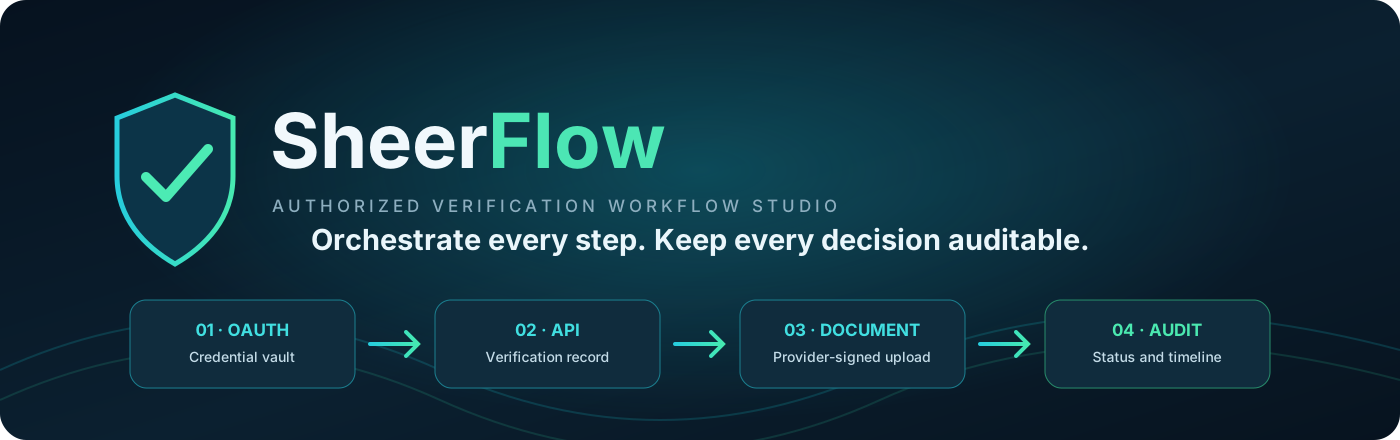
This is the project's static website and documentation entry point. The actual workbench runs locally with Node.js because verification and upload operations require a private server-side API connection. GitHub Pages cannot host that backend or safely hold your API credentials.
Keep provider operations explicit, observable and under the control of the authorized program operator.
Client Credentials token handling, in-memory caching and refresh. Secrets never enter browser JavaScript.
Create program verifications, submit program-specific data and track provider workflow states.
Use the configured program's organization search service instead of guessing provider IDs.
Validate supported file types and upload original document bytes to provider-issued signed URLs.
Polling, bounded retries, recoverable input corrections and explicit handling of uncertain writes.
Inspect job state, event timelines, operator actions and local workflow history.
The preview uses fictional records. It does not perform verification or represent real eligibility evidence.
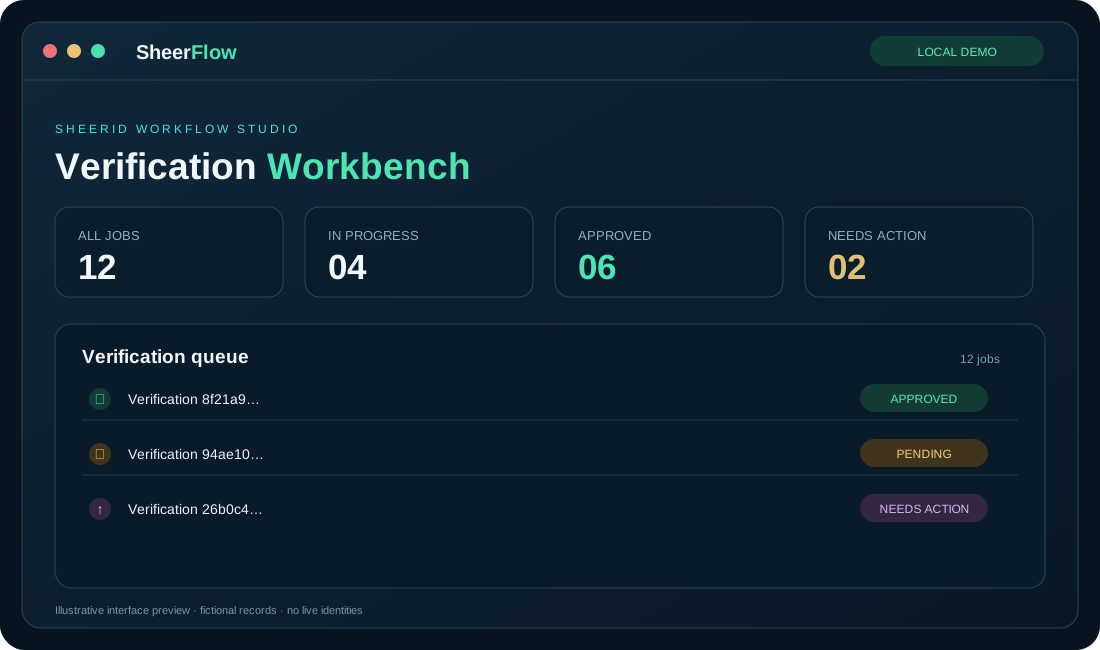
Start with the offline demo. Connect your own authorized SheerID API application only when you have program access.
git clone https://github.com/voyager67/Sheerid-Workflow-Studio.git
cd Sheerid-Workflow-Studionpm ciRequires Node.js 22.15 or newer.
cp .env.example .envSet SHEERFLOW_MODE=demo and choose a unique dashboard password of at least 20 characters in your local .env.
npm startOpen http://127.0.0.1:8787 in your browser.
Read the code, run the demo, report issues and contribute improvements.